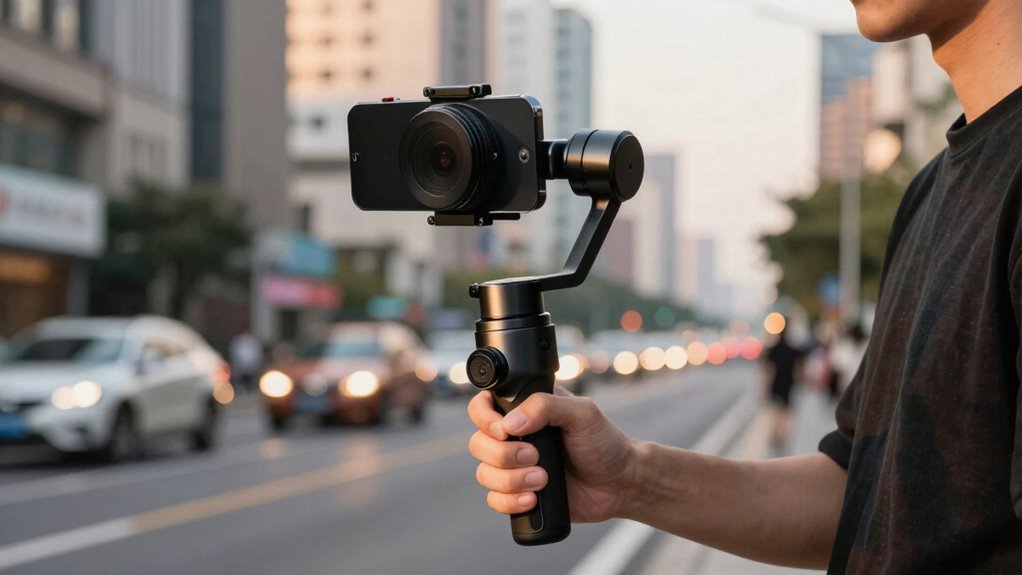
Phone gimbals help casual creators look more professional by stabilizing your footage, making shaky shots smooth and polished. They actively counteract hand movements and jitters, so your videos appear steady even during fast-paced or crowded scenes. With features like smart controls and better lighting integration, you’ll focus more on storytelling rather than technical challenges. If you keep exploring, you’ll discover how these tools truly boost your editing game and overall video quality.

Get movie nights delivered free with Prime
- Fast, free delivery on millions of items
- Prime Video, Amazon Music and more included
- Member-only deals all year
Key Takeaways
- Phone gimbals provide active stabilization, resulting in smooth, steady footage that looks more professional.
- They enable creators to produce cinematic-quality videos without advanced videography skills.
- Gimbals facilitate dynamic shot compositions and quick adjustments, enhancing creative storytelling.
- Improved stabilization and lighting calibration lead to clearer, more vibrant visuals.
- Features like smart controls streamline filming, allowing creators to focus on content rather than technical challenges.
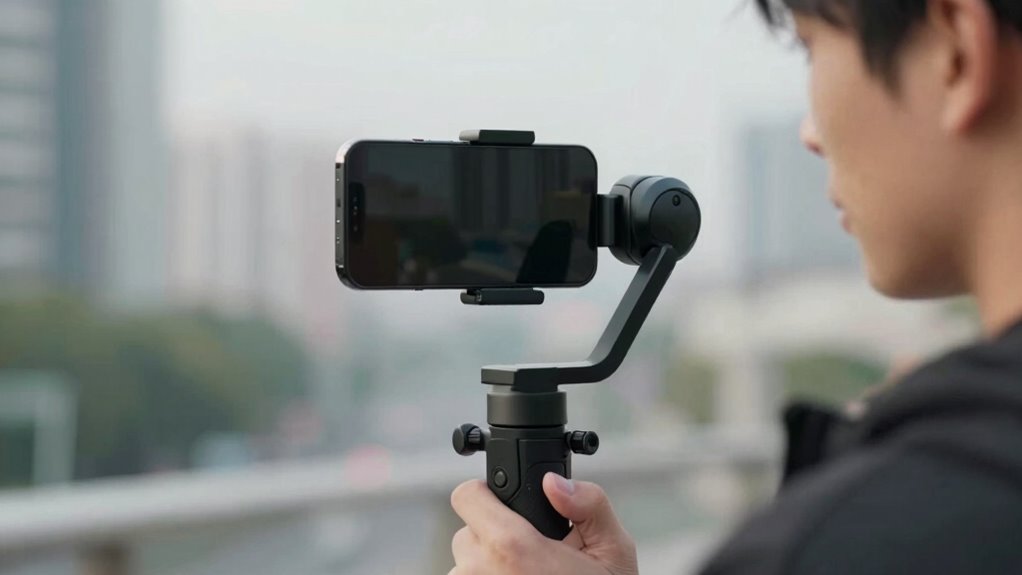
In today’s fast-paced digital world, phone gimbals have become essential tools for creators looking to elevate their content. They’re not just about smooth footage anymore; they’re about transforming casual filming into professional-looking productions. One of the main reasons they do this is because of their advanced stabilization techniques. These devices actively counteract hand movements, jitters, and shakes, ensuring your footage remains steady and polished, even if you’re filming on the move. With a good gimbal, you don’t need to be a seasoned videographer to produce cinematic-quality videos. Instead, you get smooth, professional-looking shots that captivate your audience and give your content a polished feel. This level of stabilization makes a huge difference, especially when you’re capturing fast-paced scenes or moving through crowded environments. It helps you focus on your shot without worrying about the shaky result, allowing your creativity to shine through. Additionally, understanding the importance of contrast ratio can help creators optimize their visual quality, making their footage look more vivid and dynamic. A well-calibrated contrast ratio enhances the overall visual appeal, making your videos more engaging and striking. Moreover, exploring how video quality impacts viewer engagement can help creators understand the significance of investing in stabilizing tools. Incorporating features like smart controls can further streamline the filming process, enabling creators to execute complex shots effortlessly and focus on their storytelling. To maximize the benefits of stabilization, paying attention to lighting conditions can also significantly improve the overall quality of your footage.
Popular right now

Hisense E6 Cinema Series 55-Inch 4K UHD QLED Smart Fire TV

Ninja Foodi DualZone Smart XL Air Fryer, 10-Quart, 6-in-1, Black, DZ550

Hisense 55-Inch E6SR Series 4K UHD Hi-QLED Roku Smart TV (2026 Model)
As an affiliate, we earn on qualifying purchases.
Frequently Asked Questions
Are Phone Gimbals Compatible With All Smartphone Brands and Models?
Most phone gimbals are compatible with a wide range of smartphone brands and models thanks to their adjustable clamps, but accessory compatibility can vary. You should check the gimbal’s specifications for brand diversity and size limits to guarantee it fits your device. Many gimbals work with popular brands like Apple, Samsung, and Google, making them versatile tools for creators regardless of their phone’s brand or model.
How Do Phone Gimbals Improve Video Stabilization Compared to Handheld Filming?
Phone gimbals substantially improve video stabilization over handheld filming by smoothing out shaky movements. They help you maintain steady shots, especially during dynamic camera techniques like pans or tilts. This stability allows you to focus on your lighting setup and other creative elements. With a gimbal, your videos look more professional, even in challenging environments, making your overall production quality stand out and engaging your audience more effectively.
What Is the Average Battery Life of a Typical Phone Gimbal?
Think of your phone gimbal’s battery life as a marathon runner—steady and reliable. Most gimbals offer about 8 to 12 hours of use, thanks to good battery efficiency and power longevity. This means you can film all day without worrying about a sudden shutdown. Keep in mind, actual performance varies with usage and features, but generally, you’ll get plenty of filming time to capture every moment seamlessly.
Can Phone Gimbals Be Used for Live Streaming or Only Recording?
You can definitely use phone gimbals for live streaming as well as recording, thanks to their recording versatility. They help you maintain smooth, professional-looking footage in real-time, making your live streams more polished and engaging. Whether you’re streaming an event or creating content on the fly, a phone gimbal stabilizes your shots, ensuring your audience gets a clear, steady view. So, it’s a great tool for both live streaming and recording.
Are There Any Beginner-Friendly Gimbals Suitable for New Creators?
Think of beginner-friendly gimbals as your trusty Excalibur in the domain of stabilization techniques. These gimbals are designed for new creators, offering intuitive controls and lightweight builds. They often come with useful gimbal accessories like quick-release plates and carrying cases, making setup easier. With features that prioritize simplicity, you’ll quickly learn how to shoot smooth videos, boosting your confidence and helping you create professional-looking content from the start.
Conclusion
With a phone gimbal, you can elevate your content and appear more polished than ever. It’s like having a steady hand and professional touch at your fingertips, helping you stand out in a sea of creators. Remember, “Practice makes perfect,” so keep experimenting and refining your skills. Embrace the tools available, and you’ll find that even casual creators can look truly professional. Your journey to better content starts today—don’t wait to take the shot.