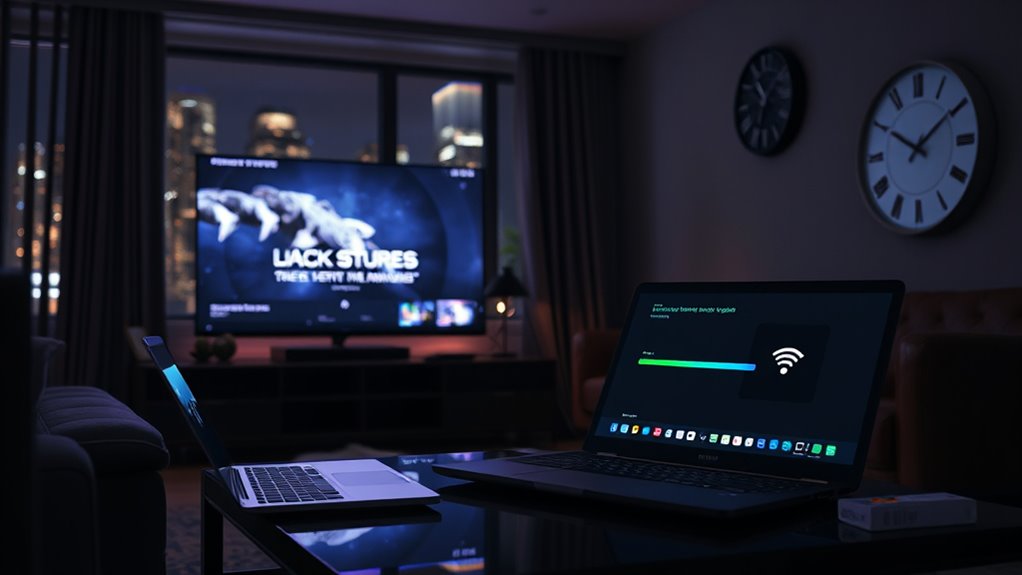

At 8 p.m., your streaming quality often drops because more people are online, which overloads servers and uses more bandwidth. This high demand strains the network, causing buffers to run out faster and forcing streaming platforms to lower video quality to keep things running smoothly. Adaptive streaming reduces quality based on network conditions, so if you want to understand how all this works behind the scenes, there’s more to explore.
Key Takeaways
- Peak evening hours increase user demand, overwhelming servers and reducing available bandwidth for each stream.
- High traffic causes buffer depletion and server congestion, leading to lower video quality or rebuffering events.
- Streaming platforms adapt quality through dynamic switching, often lowering resolution during busy times to maintain playback.
- Content Delivery Networks (CDNs) can become overloaded during peak hours, impacting stream performance despite their distribution efforts.
- Overall infrastructure strain during 8 p.m. hours results in bandwidth limitations and quality drops for viewers.
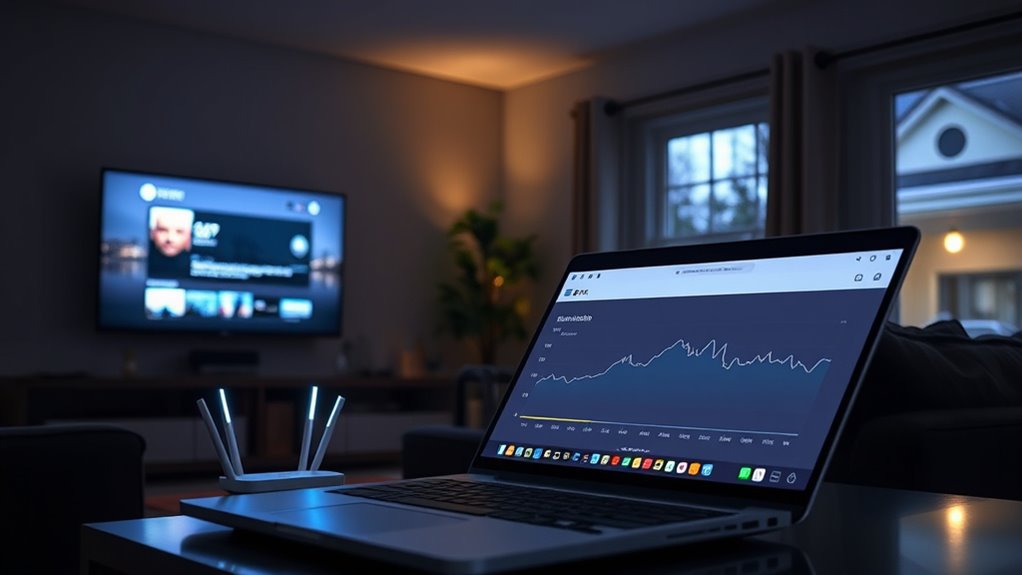
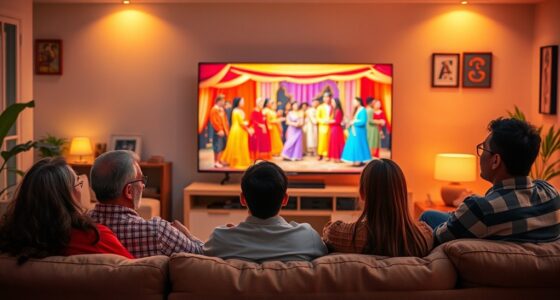
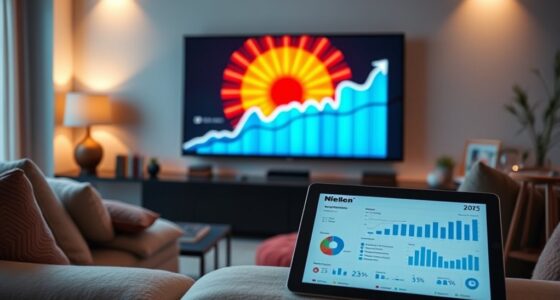
Have you ever experienced buffering or lowered video quality while streaming? If so, you’re not alone. During peak hours, many viewers notice their videos freeze or become pixelated, especially around 8 p.m. This drop in quality mainly stems from how streaming platforms handle buffer management and server load. When you hit that time, millions of people are online, all trying to watch their favorite shows simultaneously. This surge can overwhelm servers, leading to congestion and reduced bandwidth for each user.
Buffer management is a critical part of delivering smooth streaming experiences. Streaming services use buffers—temporary storage of data—to keep videos playing seamlessly. When your internet connection is fast and stable, the buffer fills quickly, and playback continues without interruption. But during peak times, the servers that send data to your device might struggle to keep up with the demand. They may prioritize delivering streams to a larger audience, which means your buffer gets depleted faster, or the data sent to you becomes less consistent. As a result, your video may pause to load more data, or quality drops to prevent buffering altogether.
Buffer management ensures smooth streaming but can lead to pauses or quality drops during peak times due to server strain.
Server load plays a significant role here. When many users access the same servers at once, the load increases exponentially. Imagine a single server trying to serve hundreds of thousands of streams simultaneously—that’s a recipe for overload. To manage this, streaming platforms sometimes reduce the quality of videos for some users, especially those with slower connections, to ensure everyone gets a continuous stream. This process, called adaptive streaming, dynamically adjusts your video quality based on current network conditions and server capacity. During peak hours, the server load can push the system to prioritize essential data transmission, which unfortunately means lower quality for some viewers.
Additionally, the way content delivery networks (CDNs) operate influences how well your stream performs during busy periods. CDNs distribute content across various locations to reduce server load and improve delivery times. But if a particular region’s servers are overwhelmed, even the most efficient CDN can struggle to maintain high quality. This interplay between buffer management, server load, and CDN efficiency explains why your streaming quality often dips at 8 p.m.—the time when everyone’s binge-watching their favorite shows.
Moreover, advancements in content delivery network technology are continually being made to better handle these peak loads, but they are not foolproof. Understanding these factors helps clarify why your streaming experience changes during certain hours. It’s not just your internet connection, but the entire infrastructure working behind the scenes to deliver content. As demand increases, the system must balance buffer management and server resources, often resulting in temporary quality drops. So, next time your video buffers or quality drops at night, remember it’s a sign of the network doing its best to serve everyone, even under heavy load.

HAPPRUN Native 1080P Projector, Bluetooth Home Theater Movie Projector with Built-in Speaker, Compatible with Smartphone, HDMI, Fire Stick, PS5, Indoor & Outdoor Use - Without Google TV System
[ Native 1080P Full HD Resolution ] - Enjoy crystal-clear visuals with HAPPRUN H1's native 1920x1080 resolution, delivering...
As an affiliate, we earn on qualifying purchases.
Frequently Asked Questions
How Can I Check My Current Internet Bandwidth?
To verify your internet speed, you can use online tools like Speedtest.net or Fast.com. These platforms measure your current bandwidth and help identify if your connection is fast enough for streaming. Keep in mind, your provider might be throttling your bandwidth during peak hours, which is called bandwidth throttling. Regularly testing your internet speed can help you spot issues and ensure you’re getting the bandwidth you’re paying for.
Does Streaming Quality Vary by Device Type?
Like a chameleon changing colors, streaming quality varies by device type. Your device compatibility and screen resolution play key roles in this. For example, a smartphone’s smaller screen might handle lower resolution videos smoothly, while a 4K TV demands higher bandwidth and better compatibility. So, yes, your device influences how good your video looks, with each gadget adapting to different quality levels based on its capabilities.
Can Upgrading My Internet Plan Improve Streaming Quality?
Upgrading your internet plan can definitely improve your streaming quality. With faster internet speed, you’ll experience fewer buffering issues and better video clarity. Plus, if your current plan has data caps, upgrading often increases or removes these limits, allowing you to stream more without interruptions. So, investing in a higher-tier plan helps guarantee smoother streaming, especially during peak hours when bandwidth demand is higher.
What Role Does Wi-Fi Congestion Play in Quality Drops?
Wi-Fi congestion considerably impacts your streaming quality because Wi-Fi interference from other devices and nearby networks can slow your connection. When many devices compete for bandwidth, your router may struggle to prioritize your streaming data, leading to quality drops. Network prioritization helps by giving your device or streaming service higher priority, but if interference persists, your video quality may still suffer during peak times like 8 p.m.
Are There Tools to Test Real-Time Streaming Bandwidth?
You can use streaming tools that offer real-time bandwidth measurement to check your internet speed during streaming. These tools help you see if your connection can handle high-quality videos or if congestion is causing quality drops. Popular options include Ookla Speedtest, Fast.com, and network monitoring apps. By regularly testing your bandwidth, you can identify issues and optimize your setup for smoother streaming, especially during peak hours like 8 P.M.

4K Projector with Built-in Apps, 1500ANSI Auto Focus&6D Keystone Dolby Audio Kogata Smart Projector with WiFi 6 Bluetooth Outdoor Movie Proyector for Home Theater HDR10+ UPGRADE
【UPGRADE Version】Unlimited Streaming –Compatible with Netflix & Dolby Audio& DTS Audio: The Kogata GC357 home projector comes with...
As an affiliate, we earn on qualifying purchases.
Conclusion
So, next time you’re puzzled by that sudden dip in video quality at 8 p.m., remember it’s not your Wi-Fi’s fault—it’s your bandwidth playing hide and seek. Ironically, as everyone else logs on, your connection shrinks, turning your streaming into a pixelated nightmare just when you want smooth viewing. It’s a perfect reminder that in the world of streaming, your best quality often depends on everyone else’s midnight binge. Happy watching—if the pixels cooperate!

Official Licensed Google TV Smart Projector, HAPPRUN 4K UHD Home Theater with Dolby Sound, Wi-Fi & Bluetooth, Built-in Streaming Apps, Compatible with Games Consoles & Smartphone, Indoor & Outdoor Use
[ Built-in Official Licensed Google TV ] - Without additional equipment, the smart projector can directly access Netflix,...
As an affiliate, we earn on qualifying purchases.

Aurzen Roku TV Smart Projector with Wifi and Bluetooth, Roku TV Built-in, 1080P FHD, DoIby Audio, Auto Focus & Keystone, Zoom, Movie Portable Outdoor Mini Projector for Soccer Football Game, White
A Roku account and internet connection are required for activation (Creating an account is free). Note: Power Supply:...
As an affiliate, we earn on qualifying purchases.